Planning lives in one person’s head
When the production manager is on leave, nobody knows what to run next.
Onexis turns your sales orders, BOMs and stock into a production plan, then tracks every order on the floor stage by stage. No whiteboards, no evening calls to the supervisor.
When the production manager is on leave, nobody knows what to run next.
Material runs out after the job has started, and the machine sits idle.
You find out an order slipped when the buyer calls to ask.
Included for every user, with every plan.
Calculates material needed for open orders against stock and open purchase orders, and lists the shortages.
Each order becomes job cards per operation, ready for the floor.
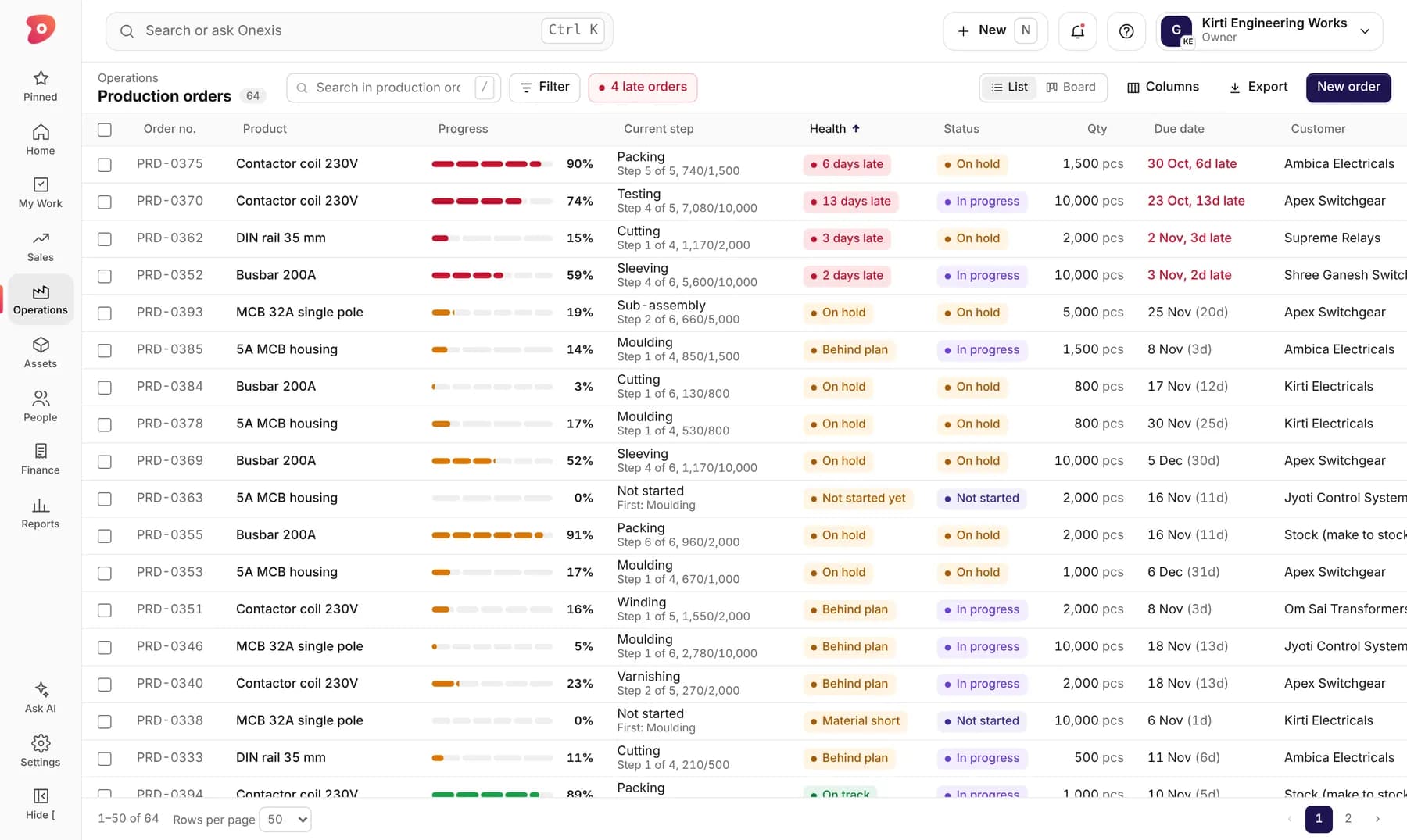
Every order is marked on track, at risk or late, so you look at the right ones first.
Supervisors record quantity done and rejected from the mobile app.
Raw material is issued against job cards, so stock and production stay in sync.
See every plant’s orders and progress side by side.
This is how it looks in Onexis today. Sample data.
Confirmed orders feed the plan directly.
See what you can make now and what to buy.
Operations go to the floor in sequence.
Progress, rejections and delays update live.
Something else? Ask us directly.
Yes. Many factories start with production orders and job cards, then switch on MRP once BOMs are complete.
Yes. Production orders can be linked to a customer order or made for stock.
Yes, from the mobile app in English or Hindi.
Send us one product or drawing. In 30 minutes we show it inside Onexis, from raw material to invoice.